TEXA is an Italian company recognized globally for its advanced diagnostic tools and equipment for vehicles, including agricultural machinery. Founded in 1992 by Bruno Vianello, the company is headquartered in Monastier di Treviso, Italy. From its inception, TEXA has focused on developing innovative solutions to meet the evolving needs of the automotive and industrial sectors, quickly establishing itself as a leader in vehicle diagnostics.
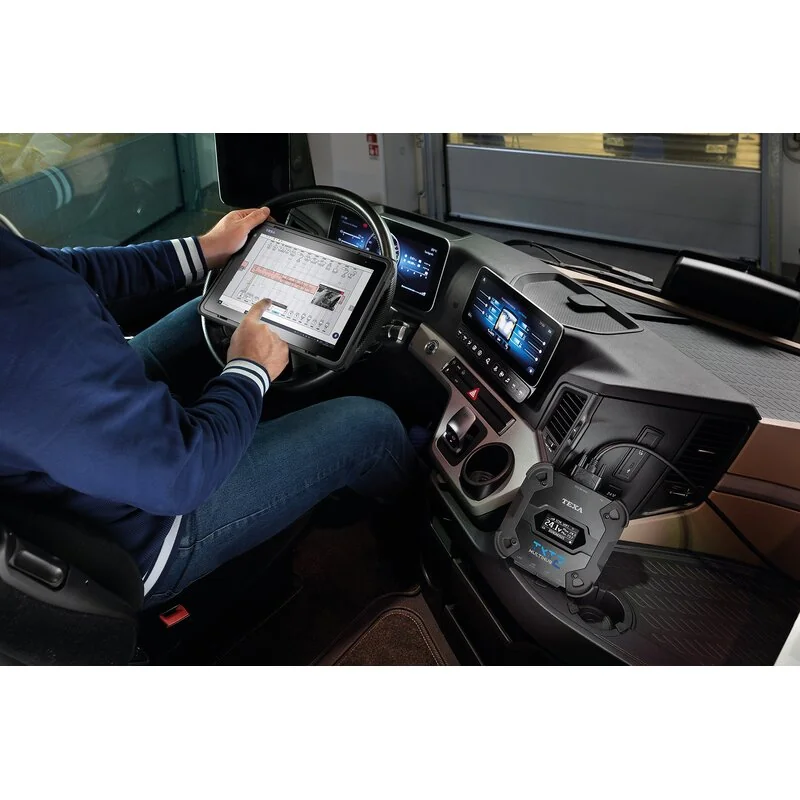
The brand's product portfolio encompasses a wide range of diagnostic solutions for cars, motorcycles, trucks, boats, and agricultural vehicles. TEXA is particularly known for its multi-brand diagnostic tools like the IDC5 platform, which provides comprehensive diagnostic capabilities for various systems, including engine, transmission, ABS, and hydraulics. These tools are designed to offer technicians precise and efficient fault detection, maintenance, and repair services across diverse machinery types.
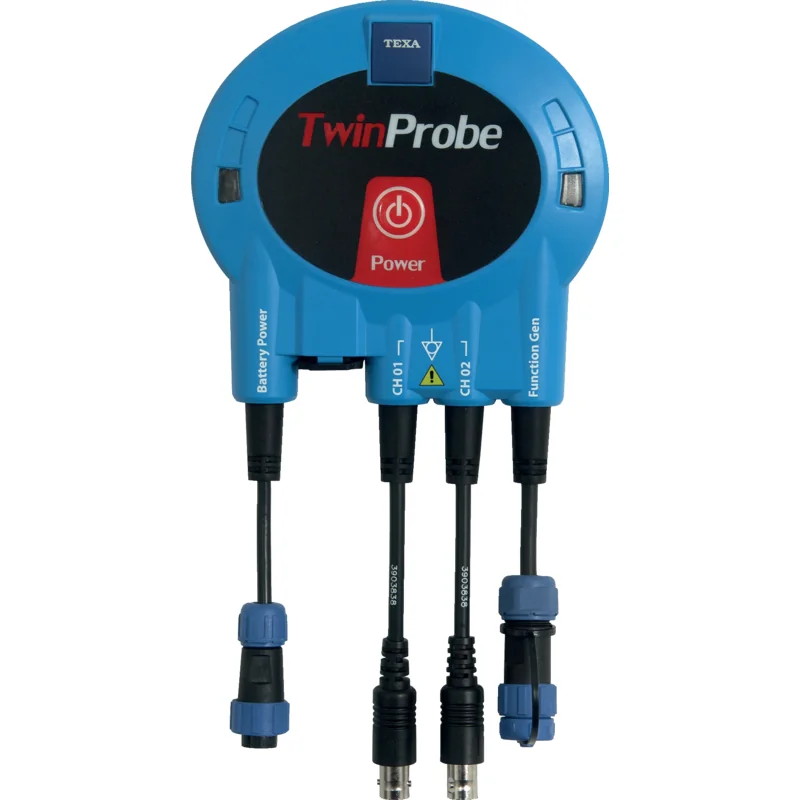
At Partao, our catalog features genuine TEXA spare parts primarily within the Diagnostic Tools category. These components are essential for maintaining the functionality and accuracy of TEXA diagnostic equipment, ensuring reliable performance for workshops and service centers.
Workshops and service technicians worldwide rely on TEXA for its commitment to technological innovation and user-friendly diagnostic interfaces. The company's solutions are valued for their ability to streamline complex diagnostic procedures, reduce downtime, and improve overall service efficiency. Its strong global presence and continuous development of new diagnostic protocols make it a preferred choice for professionals in the agricultural and heavy machinery repair sectors.
Shop more than 108 genuine TEXA spare parts.
TEXA is an Italian company recognized globally for its advanced diagnostic tools and equipment for vehicles, including agricultural machinery. Founded in 1992 by Bruno Vianello, the company is headquartered in Monastier di Treviso, Italy. From its inception, TEXA has focused on developing innovative solutions to meet the evolving needs of the automotive and industrial sectors, quickly establishing itself as a leader in vehicle diagnostics.
The brand's product portfolio encompasses a wide range of diagnostic solutions for cars, motorcycles, trucks, boats, and agricultural vehicles. TEXA is particularly known for its multi-brand diagnostic tools like the IDC5 platform, which provides comprehensive diagnostic capabilities for various systems, including engine, transmission, ABS, and hydraulics. These tools are designed to offer technicians precise and efficient fault detection, maintenance, and repair services across diverse machinery types.
At Partao, our catalog features genuine TEXA spare parts primarily within the Diagnostic Tools category. These components are essential for maintaining the functionality and accuracy of TEXA diagnostic equipment, ensuring reliable performance for workshops and service centers.
Workshops and service technicians worldwide rely on TEXA for its commitment to technological innovation and user-friendly diagnostic interfaces. The company's solutions are valued for their ability to streamline complex diagnostic procedures, reduce downtime, and improve overall service efficiency. Its strong global presence and continuous development of new diagnostic protocols make it a preferred choice for professionals in the agricultural and heavy machinery repair sectors.
Shop more than
108 genuine TEXA spare parts.